
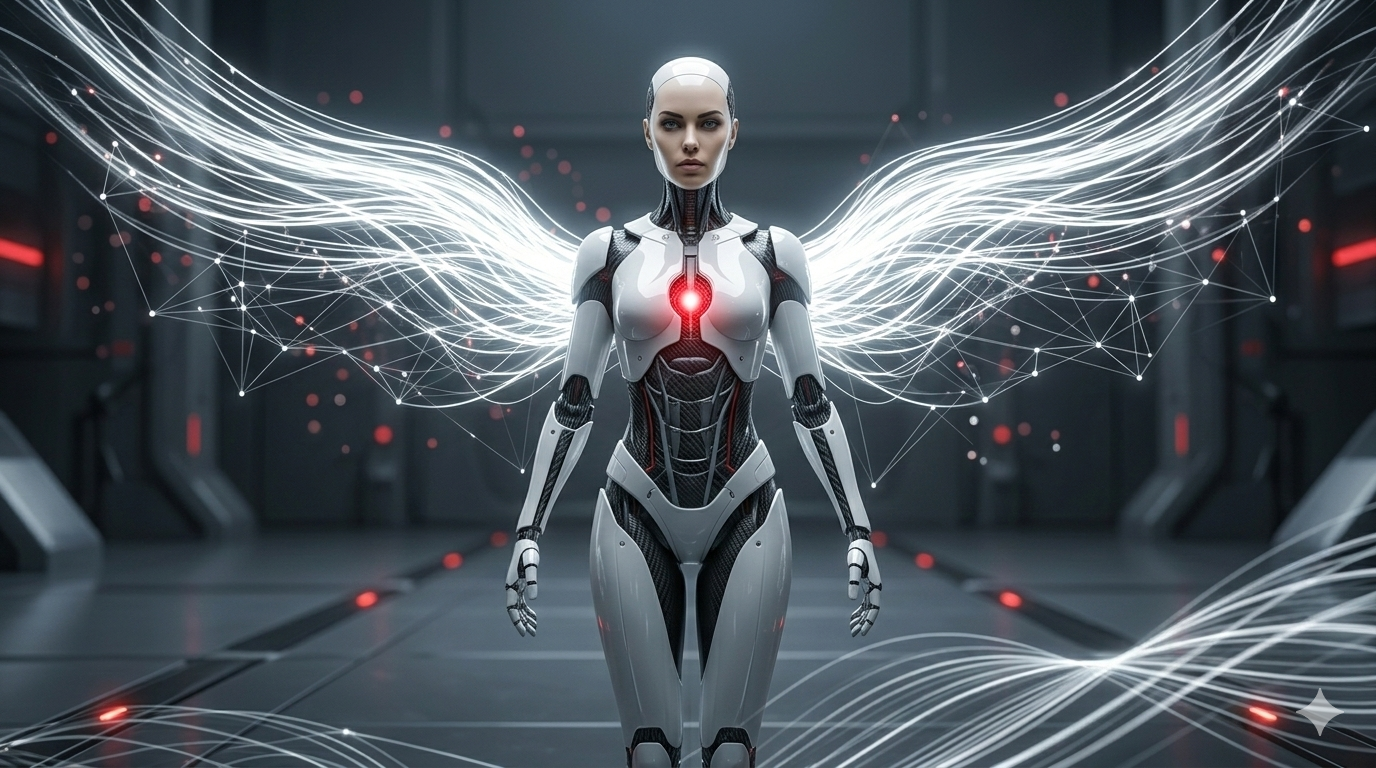
Introduction to Custom AI Characters

A custom AI character represents a unique digital entity created using artificial intelligence technology, designed to simulate real human interactions and behaviors. These characters can be tailored to fit specific personality traits, appearances, and functionalities, making them invaluable in diverse applications such as storytelling, gaming, and interactive learning experiences.
In the realm of storytelling, custom AI characters can enhance narratives by bringing dynamic interactions into the fold. They can respond to user inputs in real-time, thereby allowing for a more immersive storytelling experience. For instance, authors can create characters that evolve and adapt within a story based on reader choice, revolutionizing the traditional narrative structure. This level of personalization helps maintain user engagement and creates a deeper connection between the reader and the story.
Furthermore, in gaming, AI characters are integral to developing more engaging and responsive gameplay. Gamers can interact with these characters in a way that feels organic and intuitive, offering responses that reflect their personalized development. This can create a more enriching gaming environment, where decisions genuinely influence character interactions, thereby enhancing replay value and overall satisfaction.

Additionally, custom AI characters are increasingly used in interactive learning. Educators can design AI personas that guide learners through material, adapting to individual learning speeds and styles. This personalized approach not only improves retention but also motivates learners by providing a supportive and interactive companion on their educational journey.
Overall, the potential uses of custom AI characters are vast and varied, enhancing user experiences across multiple formats. By leveraging artificial intelligence to create personalized interactions, developers can foster greater engagement and satisfaction among users, making the applications of these characters immensely valuable in the digital landscape.
Getting Started: Logging Into Polybuzz

Accessing Polybuzz.ai, a platform dedicated to creating custom AI characters, begins with the login process. If you are a new user, you will need to create an account. Visit the official Polybuzz website and look for the ‘Sign Up’ option, typically found on the homepage. Click this to initiate the account creation process.
When signing up, provide the required information, which usually includes your name, email address, and a password. Ensure that your password is strong, using a combination of uppercase letters, lowercase letters, numbers, and symbols to help protect your account from unauthorized access. After filling out the required fields, confirm your email address through a verification link sent to your inbox. This step is crucial as it not only verifies your identity but also activates your new account.
If you already have an account, the process is equally straightforward. On the homepage, locate the ‘Log In’ button. Enter the email and password associated with your existing account. Should you forget your password, utilize the ‘Forgot Password?’ link to reset it. Follow the instructions in the email sent to you to gain access to your account again.
Upon successfully logging in, you will be directed to the Polybuzz homepage. Here, you will find an intuitive user interface that allows for easy navigation. Take some time to familiarize yourself with the layout and the various features available, such as tutorials, documentation, and community forums. These resources serve as valuable starting points as you begin your journey into creating custom AI characters.

To begin the process of creating a custom AI character on Polybuzz, users must first find the ‘create character’ feature within the platform’s user interface. This option is essential as it acts as the gateway to designing a unique character tailored to specific needs.
Upon logging into Polybuzz, the layout of the interface is designed to be intuitive and user-friendly. Users will typically find the ‘create character’ option located either in the left sidebar or represented by a prominent plus icon, often labeled with a clear call-to-action. This placement not only highlights the feature but also ensures easy accessibility for users at any stage of their character creation journey.
Once users click on this ‘create character’ feature, they will be greeted with a series of tools and features that are instrumental in character development. The main interface usually presents a canvas or a stage where users can visualize their character in real-time. Additional tabs or sections might also present options for customizing traits such as physical appearance, personality attributes, and skills. It is recommended to explore these features one at a time to fully grasp the breadth of customization available.
For those who are new to Polybuzz, navigating through the interface smoothly is crucial. Tutorials or help prompts are often integrated within the platform to guide users through the initial stages of character creation. Therefore, it is advisable to utilize these resources, which can be beneficial in understanding how to best leverage the tools provided.
In conclusion, the process of navigating to the ‘create character’ feature on Polybuzz is simple if users familiarize themselves with the interface layout and available resources. This understanding not only enhances the character creation experience but also empowers users to make the most of the creative possibilities presented by Polybuzz.
Personalizing Your AI Character: A Step-by-Step Guide
Customizing your AI character on Polybuzz is an exciting opportunity to create an avatar that embodies your vision. The customization process can be broken down into several manageable steps, ensuring a user-friendly experience.
The first step is defining the appearance of your AI character. This includes selecting the physical attributes such as hair color, facial features, and clothing style. Take into consideration the context and purpose of your character; a professional AI assistant might necessitate a more formal appearance, while a gaming companion might allow for more creative expressions.
Next, focus on defining personality traits. Consider the characteristics that best align with your AI character’s role. Do you want it to be friendly and approachable, or perhaps more analytical and reserved? These traits will significantly influence how users experience interactions with the character. Utilize the array of personality options available to subtly craft the character’s behavior and responses.
Voice selection is another crucial component. Polybuzz offers various voice modulations and accents. Choosing a voice that resonates with the personality traits of your character can enhance user engagement. Test the available voice options to find one that feels authentic and encourages users to interact effortlessly.
Interactions are also central to the character’s effectiveness. Consider the dialogues, phrases, and responses that your character will use. Customizing these interactions allows you to create unique user experiences that can adapt to different situations. Ensure the interactions are consistent with both the appearance and personality traits, maintaining a cohesive identity.
In conclusion, the personalization process on Polybuzz empowers users to create a unique AI character tailored to specific needs. By thoughtfully selecting attributes related to appearance, personality, voice, and interactions, you can craft an engaging and effective AI experience.